
Creating a Facebook Fundraiser
Creating a Facebook Fundraiser is very seamless! The only things you need to accomplish it is the following:
DonorDrive Account - Created when you register
Facebook Account
Thats it!
Follow the Steps below to create your Facebook Fundraiser:
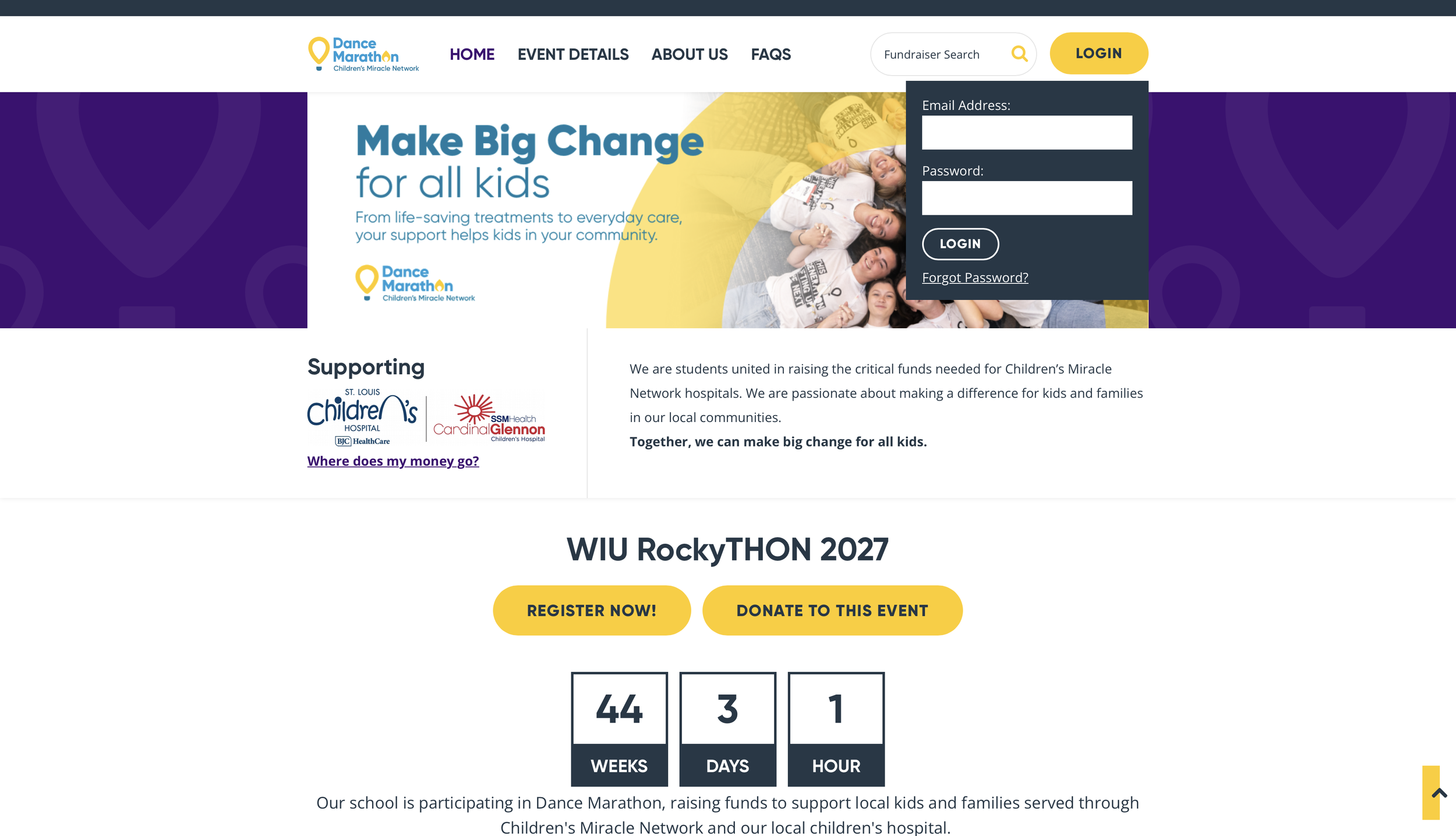
Step 1: Log into your DonorDrive
Use the credentials you used when you first created your account!
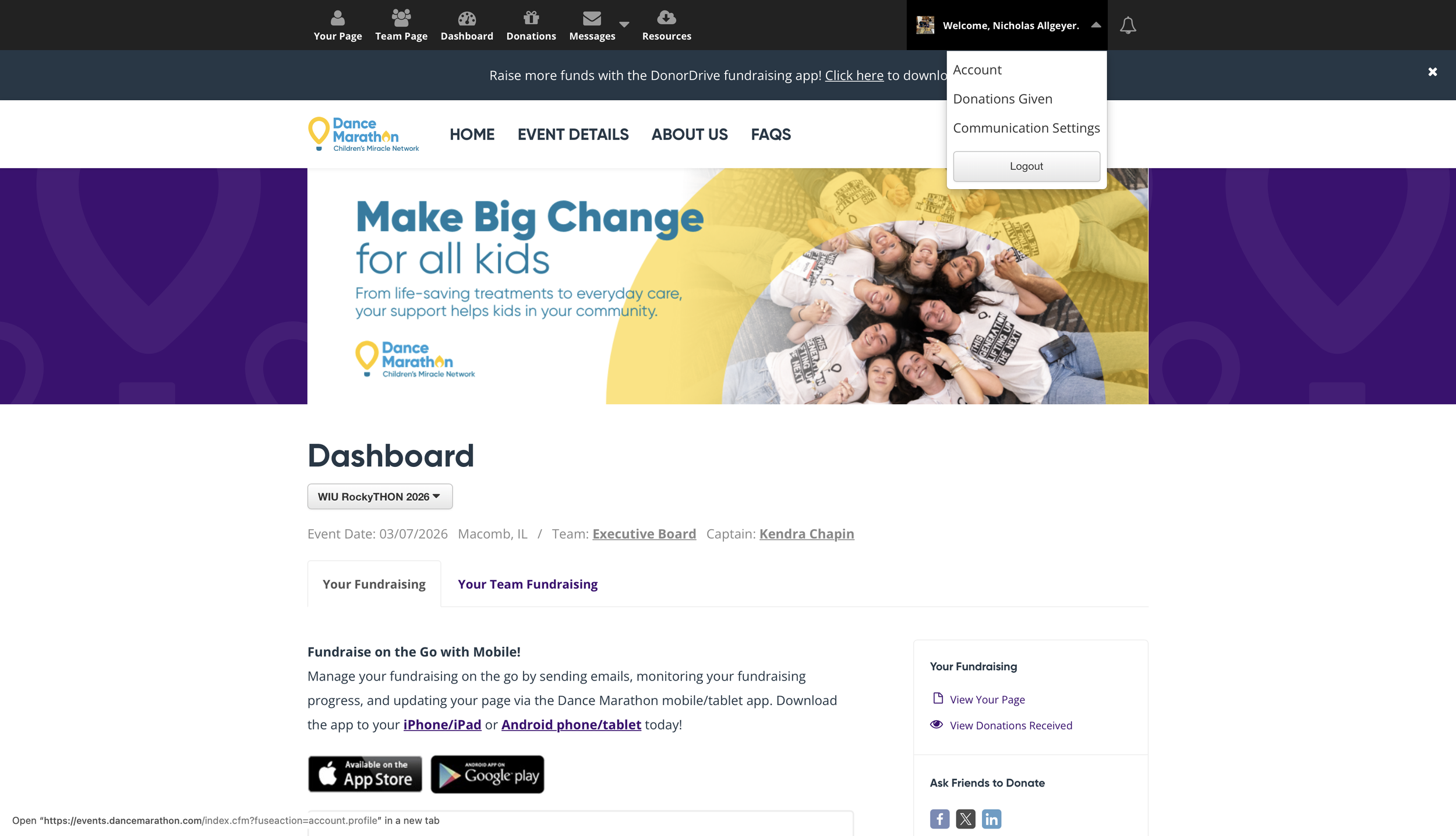
Step 2: Go into Account Settings:
There are many things you can change in here, such as adding a stream, but we are only interested in Facebook Fundraiser right now!
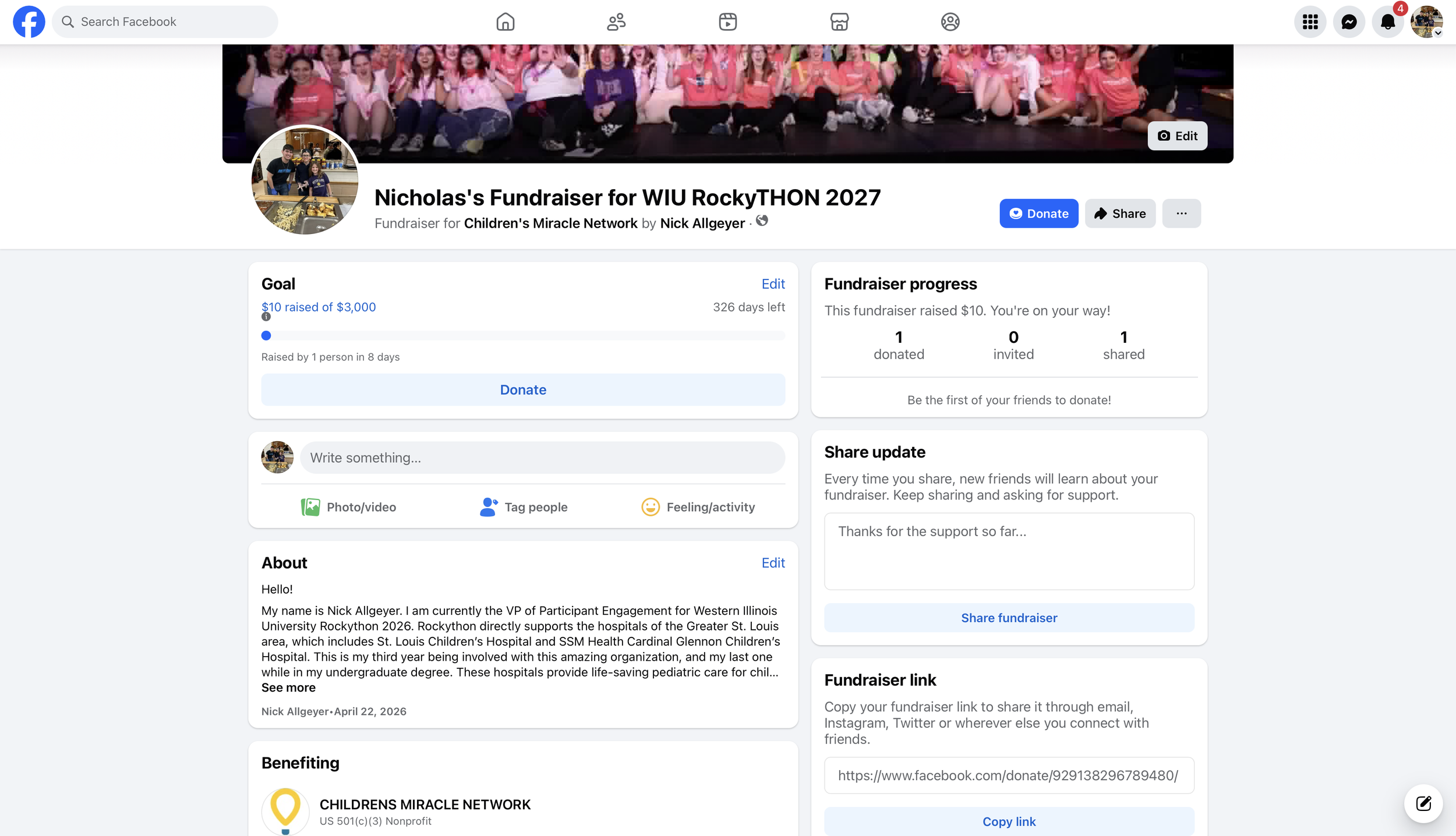
Step 3: Create Facebook Fundraiser
Once you click this button, you will be redirected to the Facebook Login page. Once you log into your Facebook, you have successfully created a Facebook Fundraiser!
Still need to register? No problem! Click the button at the top of the screen that says “Register Today” to register now!